 DISC ONE
Open it
Disc One reads the videos already in your Photo Library on Apple TV or iPhone. Nothing to import, edit or upload, and no account to make.
In Color presents
Every year of video already on your phone becomes a disc · motion menus cut from your own footage · a chapter for every day you filmed · special features · end credits with your family's names in them · filmed on location wherever you were · nothing uploaded · nothing edited · play all and sit down
Apple TV · iPhone · Coming autumn 2026
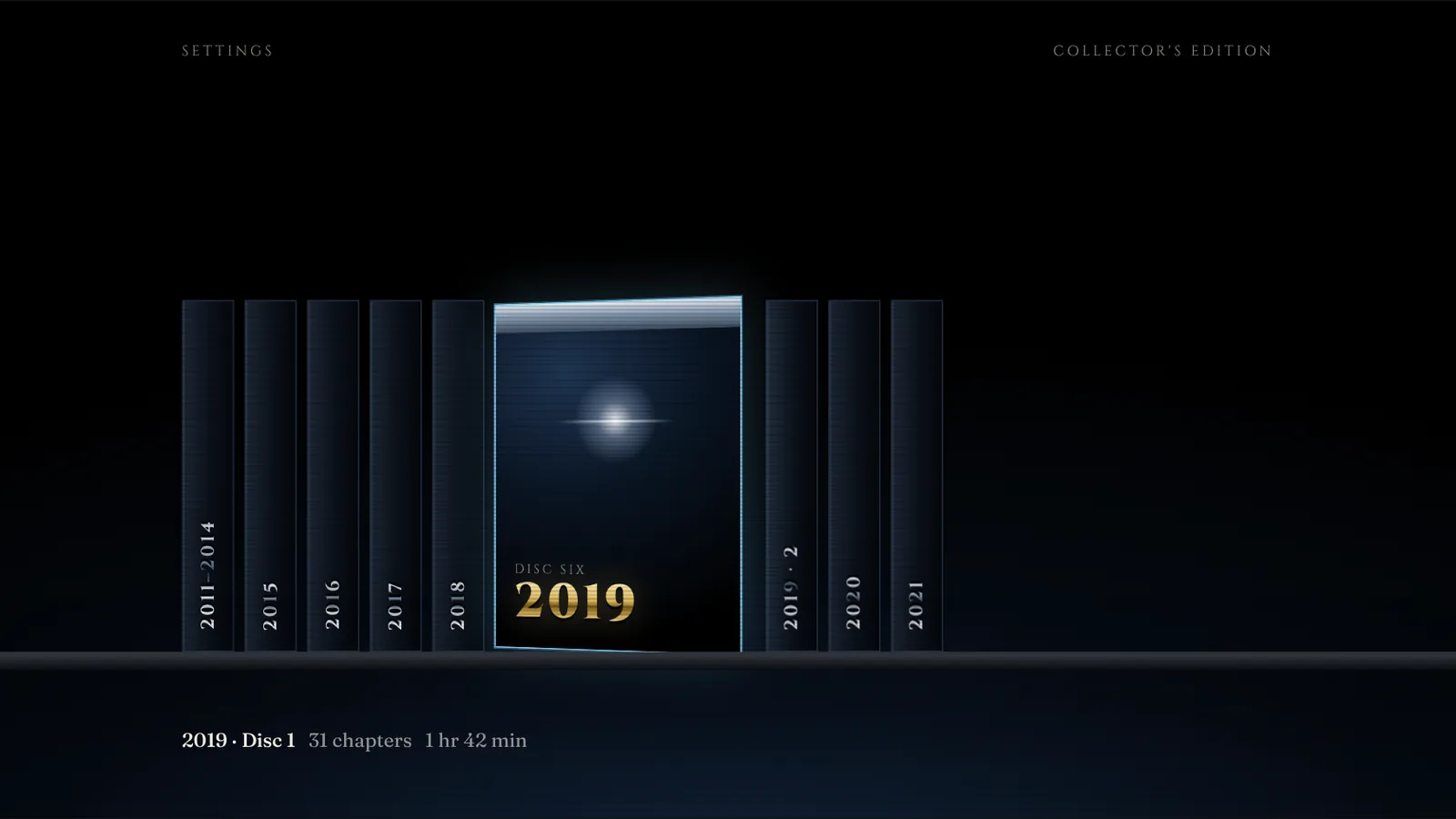
The Shelf. Every year on your phone, as a disc. Screens on this page are design renders of the Apple TV app; the footage in them is illustrative.
Every year of video already on your phone becomes a disc, and plays on the television the way a DVD did in 2003.
Disc One reads the videos already in your Photo Library on Apple TV or iPhone. Nothing to import, edit or upload, and no account to make.
Each year is assembled into a disc of its own: chapters, a menu cut from its footage, special features and a credit roll.
Pick a year from the shelf, sit down and watch it through, or jump to the day you want from Scene Selection.
Every disc opens like the real thing. A gold ring slams in with your family's name and the year of your first clip, a light sweeps across it, and then the menu. The photo in the middle is yours to choose.
This programme is licensed for home viewing by the people in it. Any unauthorised copying, hiring, lending or public performance is fine, as long as you were there.
Assembled from what is already there. No editing, no uploading, no timeline.
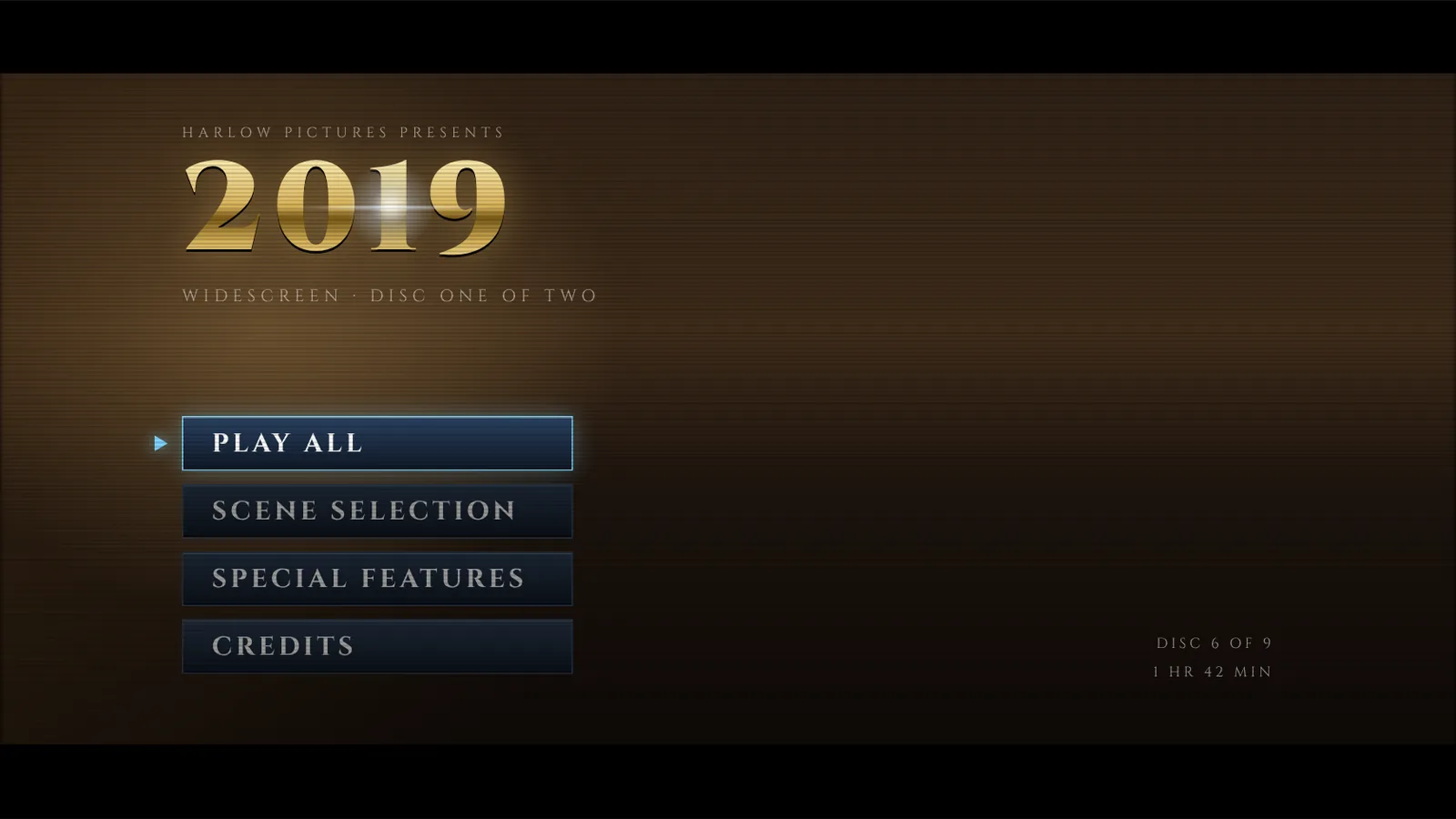
A menu cut from the year itself
Insert a disc and it opens like one. The year in gold over a montage of that year's own footage, the family name above it, four embossed buttons below.
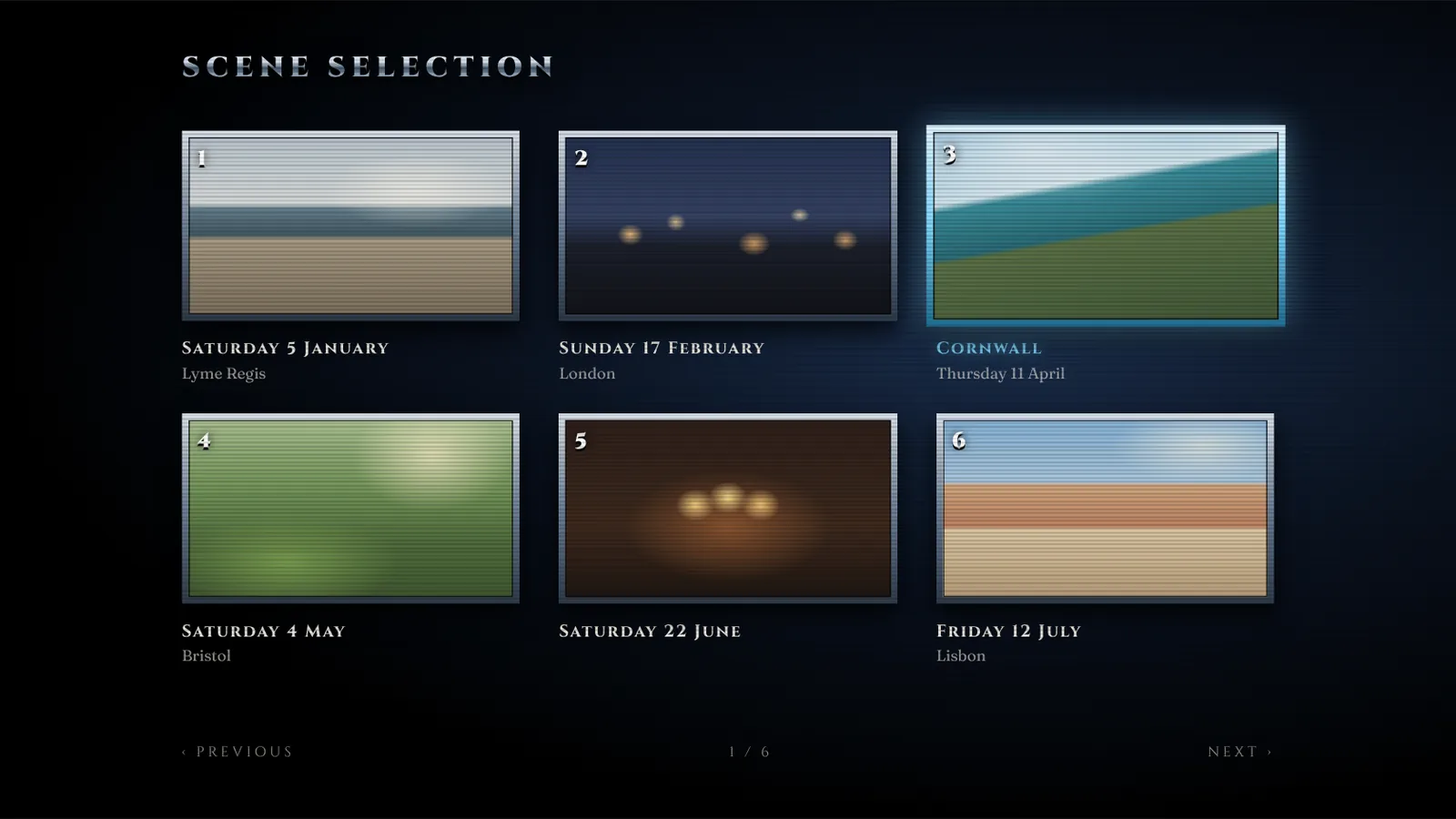
One chapter for every day you filmed
Each day you pressed record is a chapter, titled with its date and, when the clips agree, the town. Every thumbnail loops a few seconds of that day.
The whole year, start to finish
Every chapter in order, with a chapter card between the days, so a year watches like a film rather than a camera roll.
Everything that isn't a home movie goes in the extras, sorted for you. A section with nothing in it doesn't appear.
Each disc has a look that owns the whole screen: the shelf, the spines, the cover, the type. Choose one per disc.
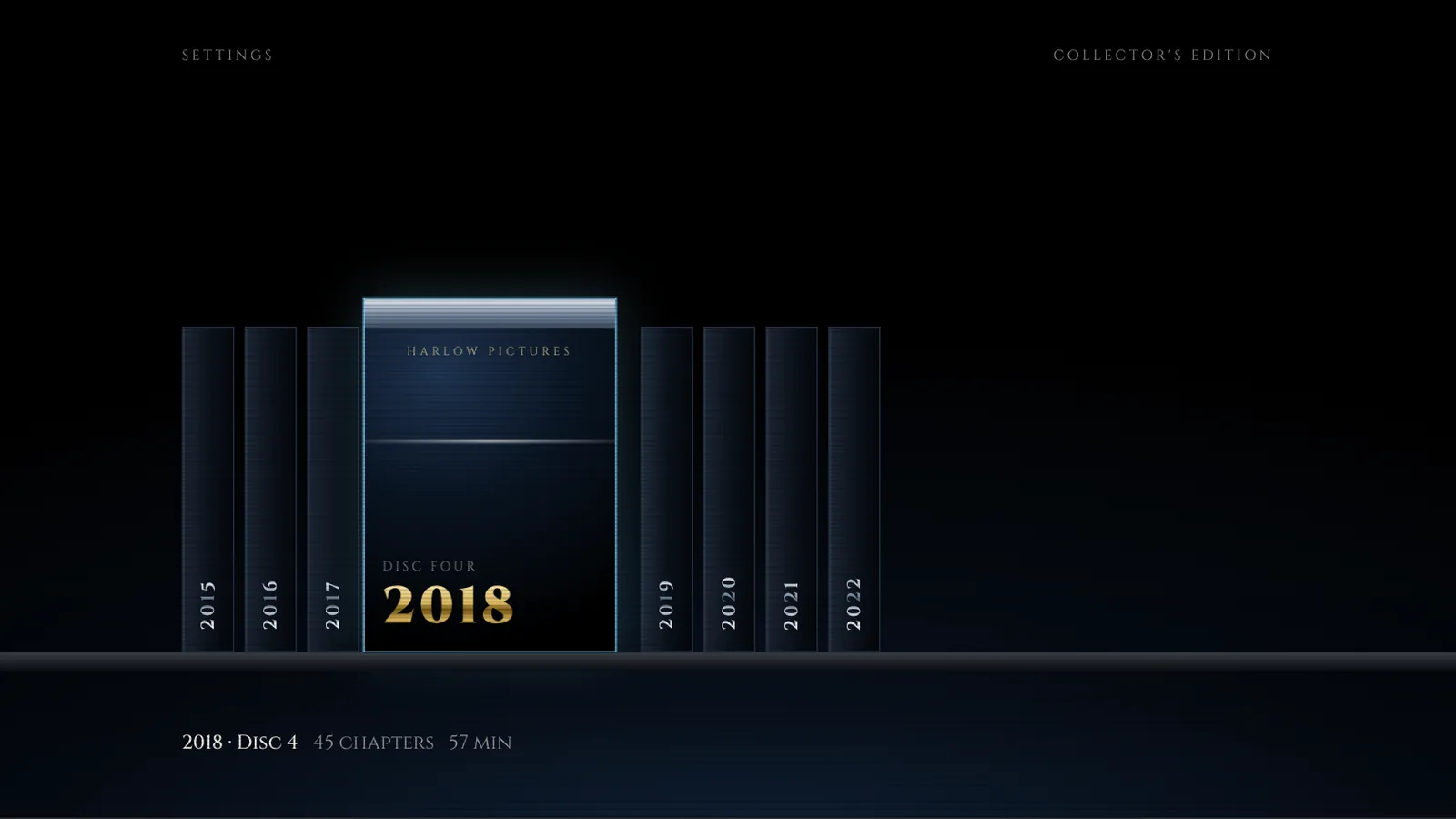
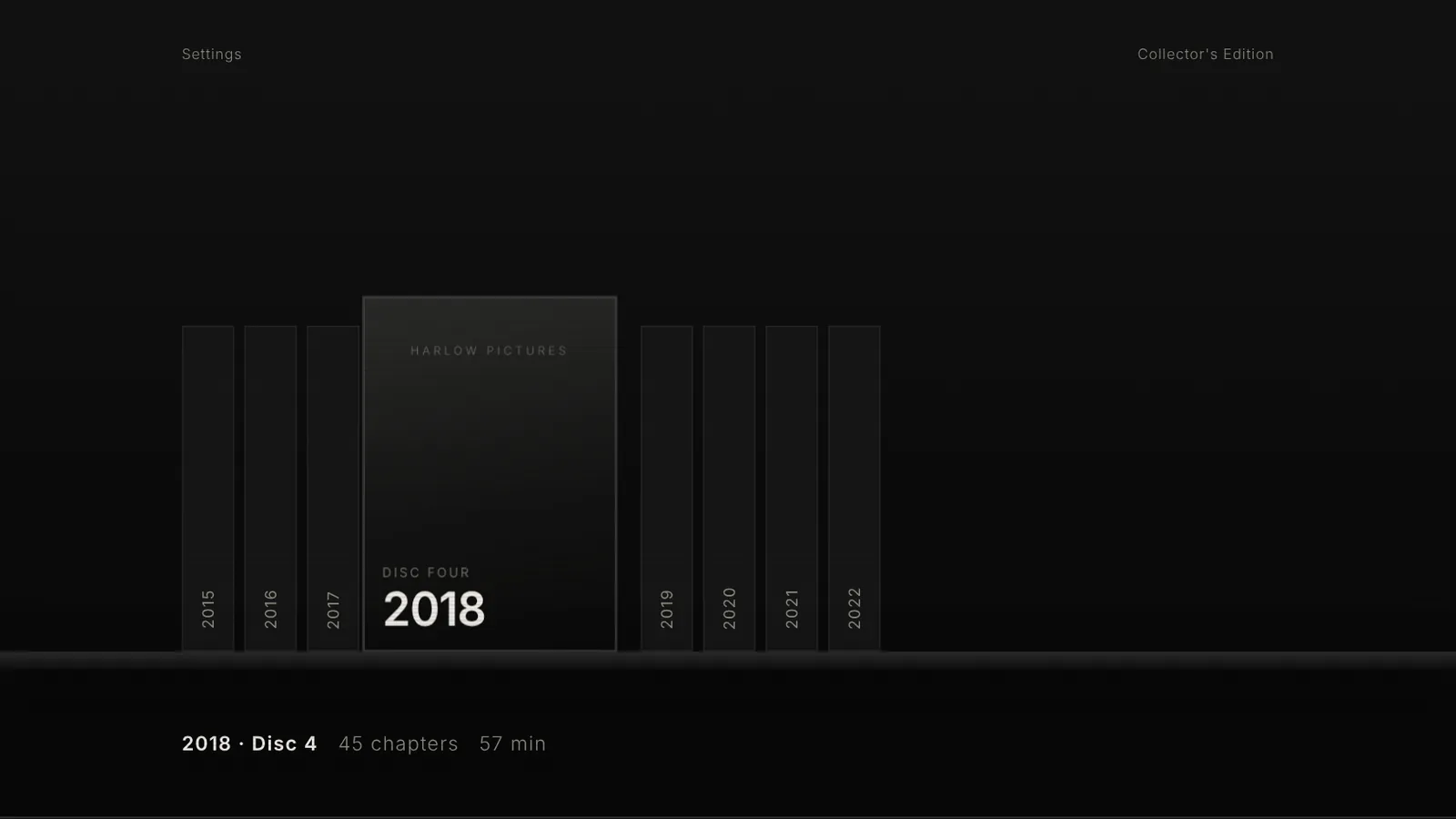
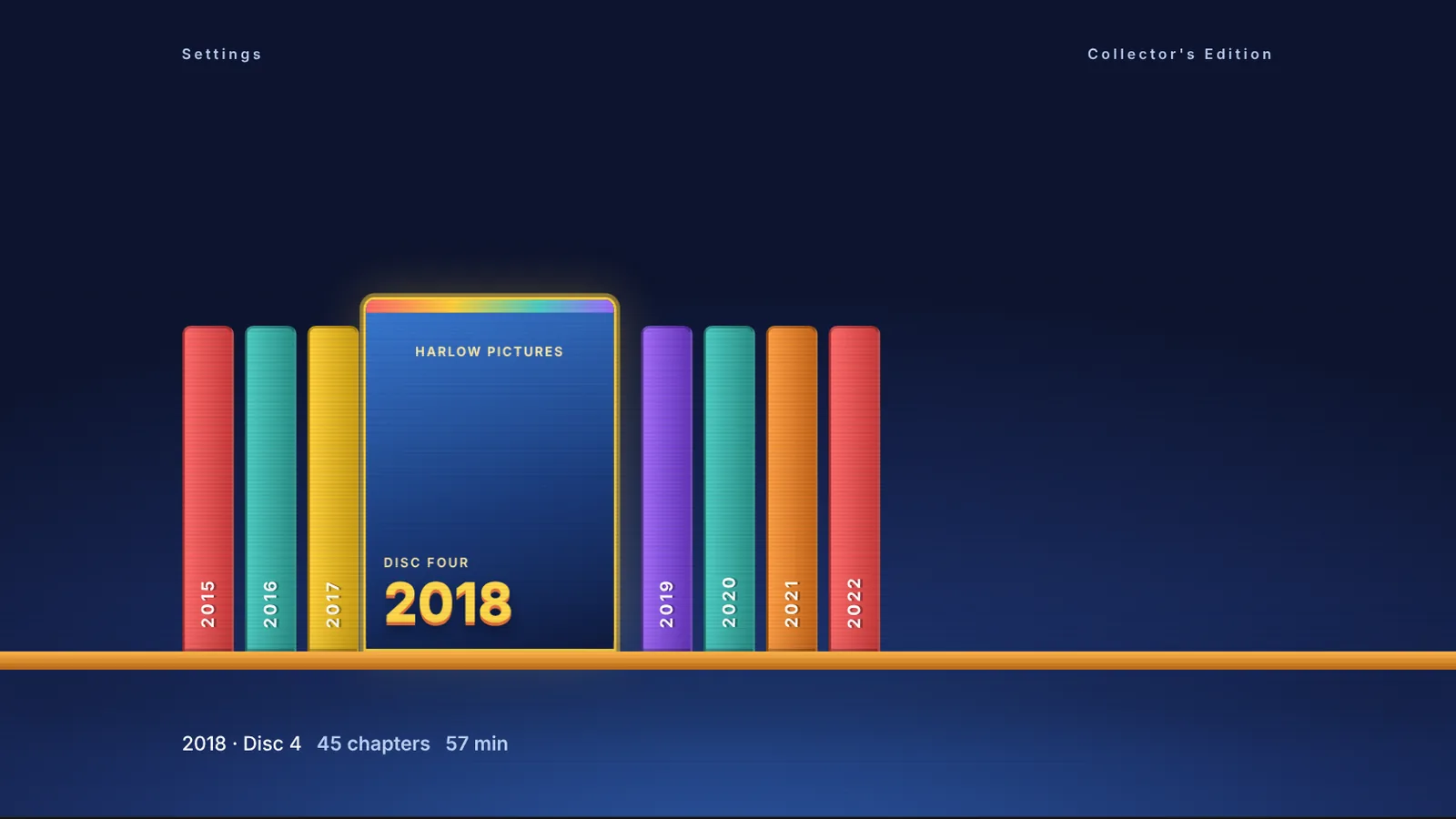
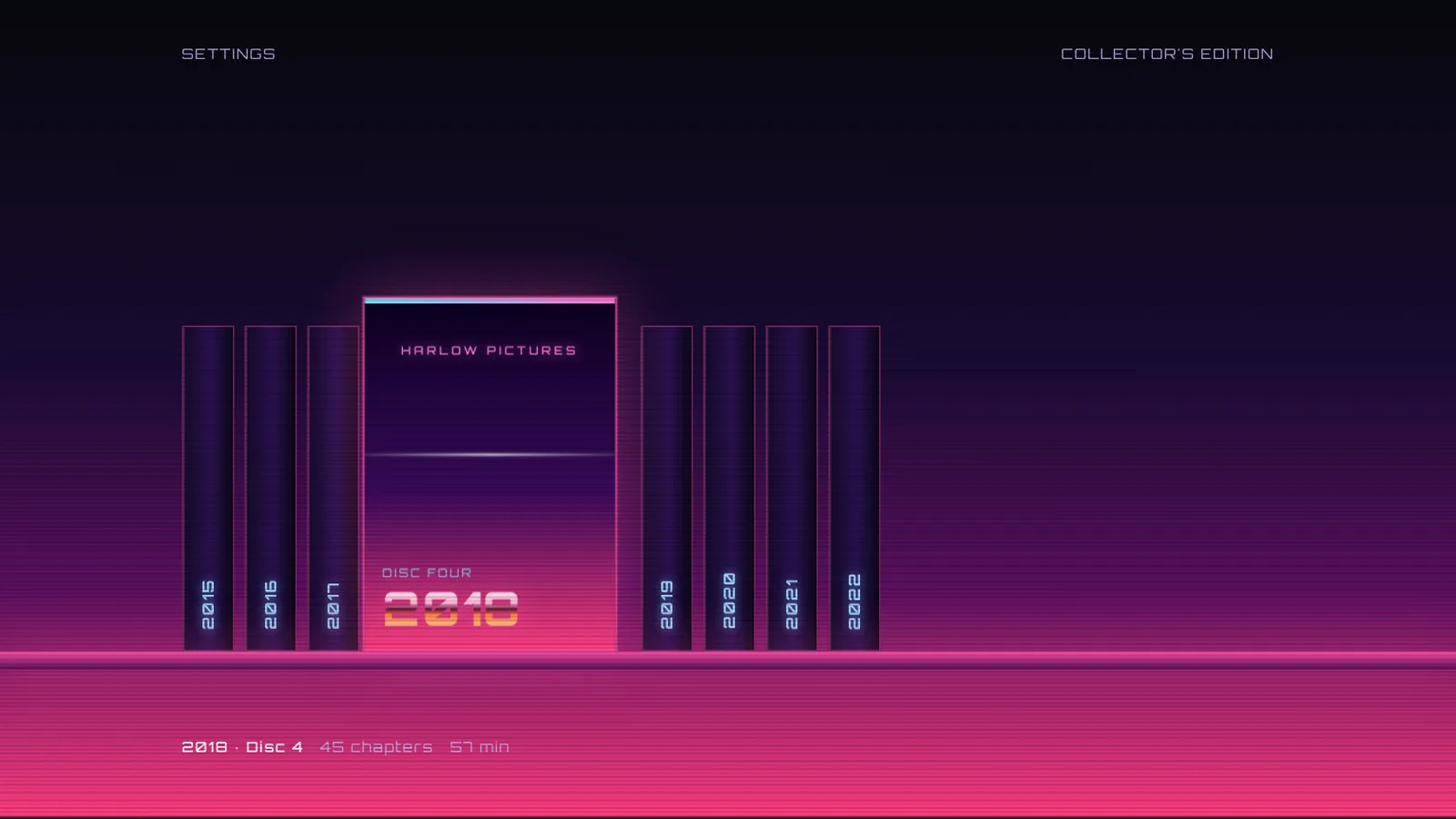
In the works for after launch: a Template Pack of four more looks, each with its own shelf, title and menu. The discs underneath stay the same.
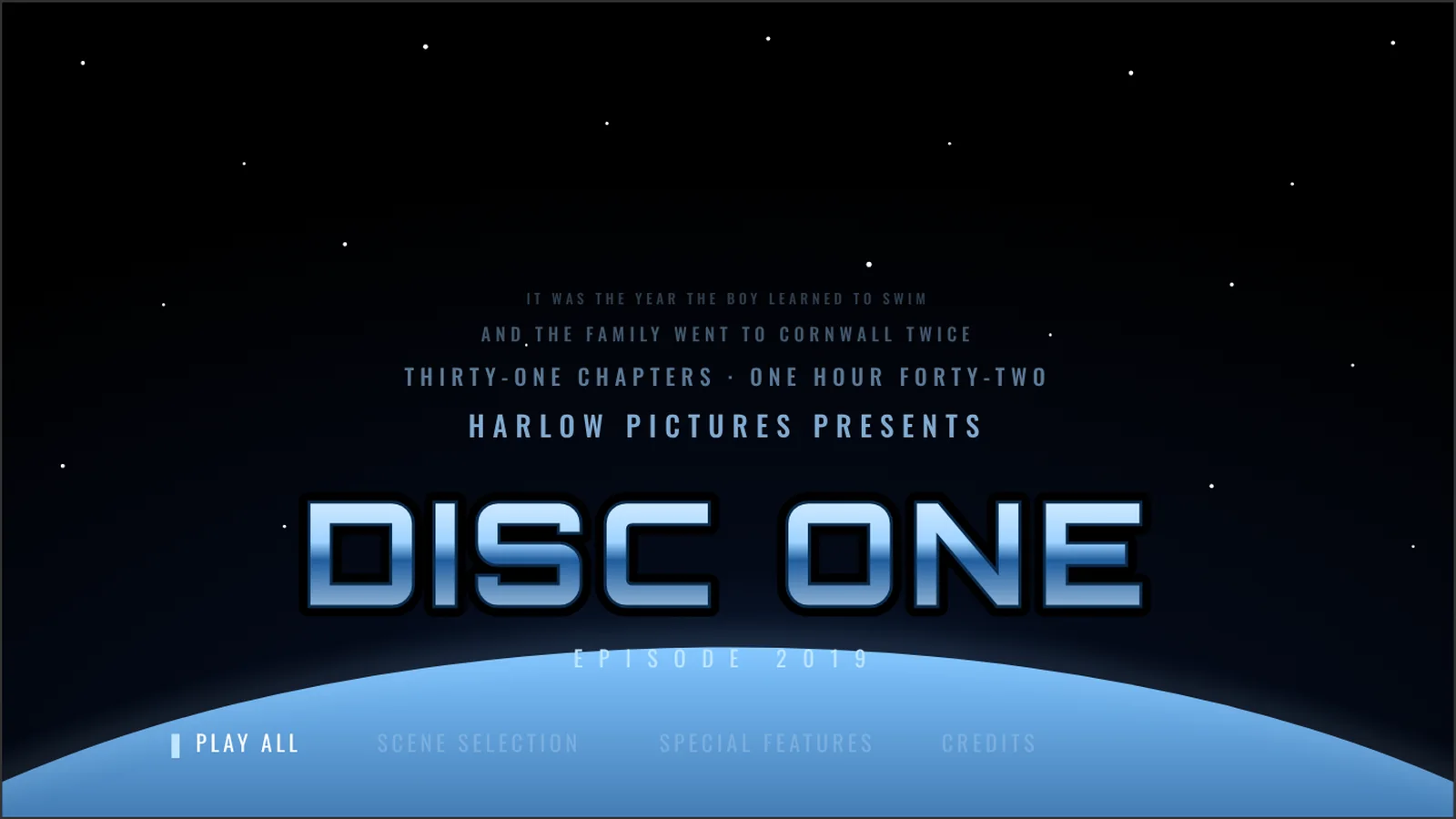 Coming soon
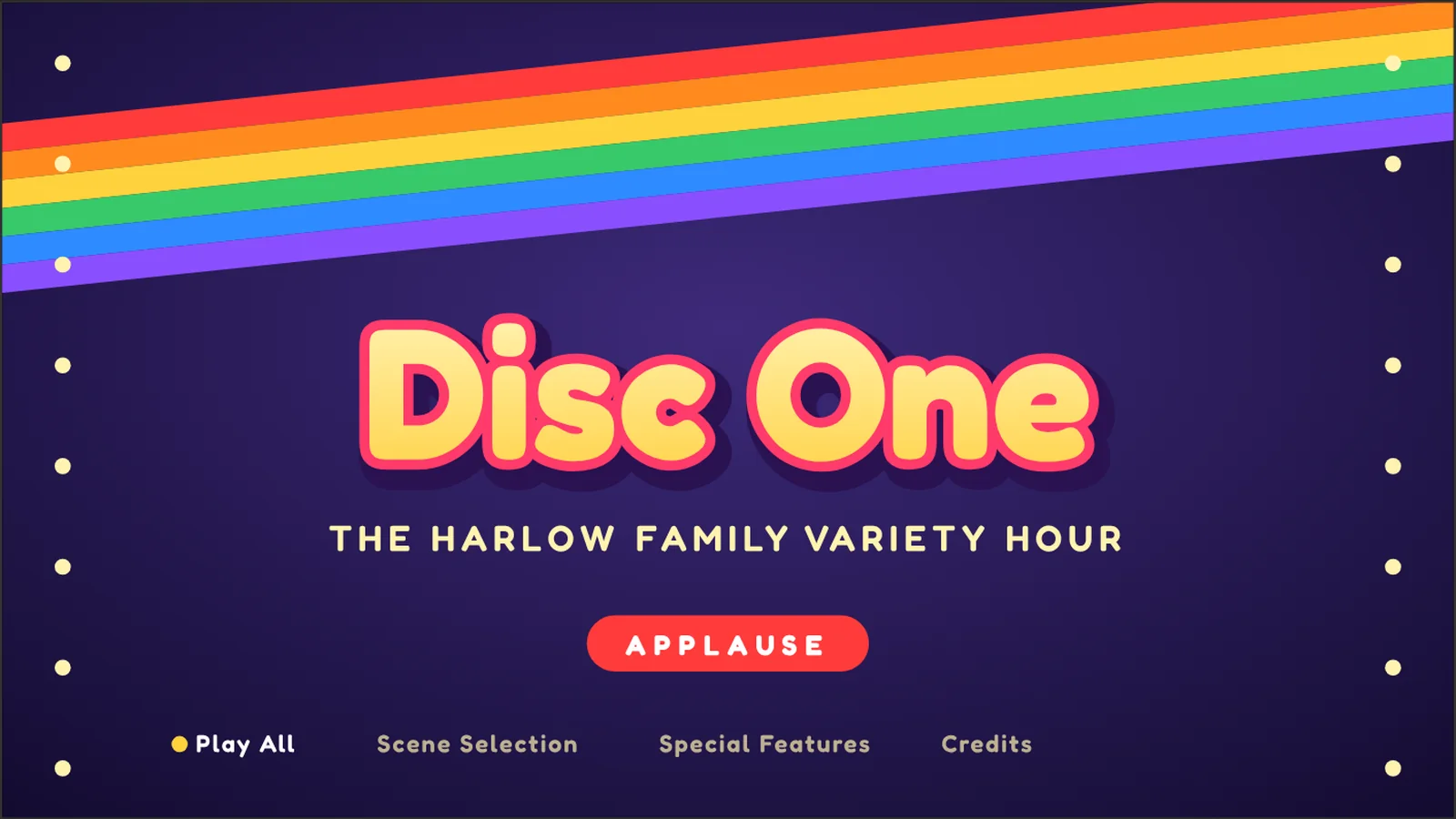 Coming soon
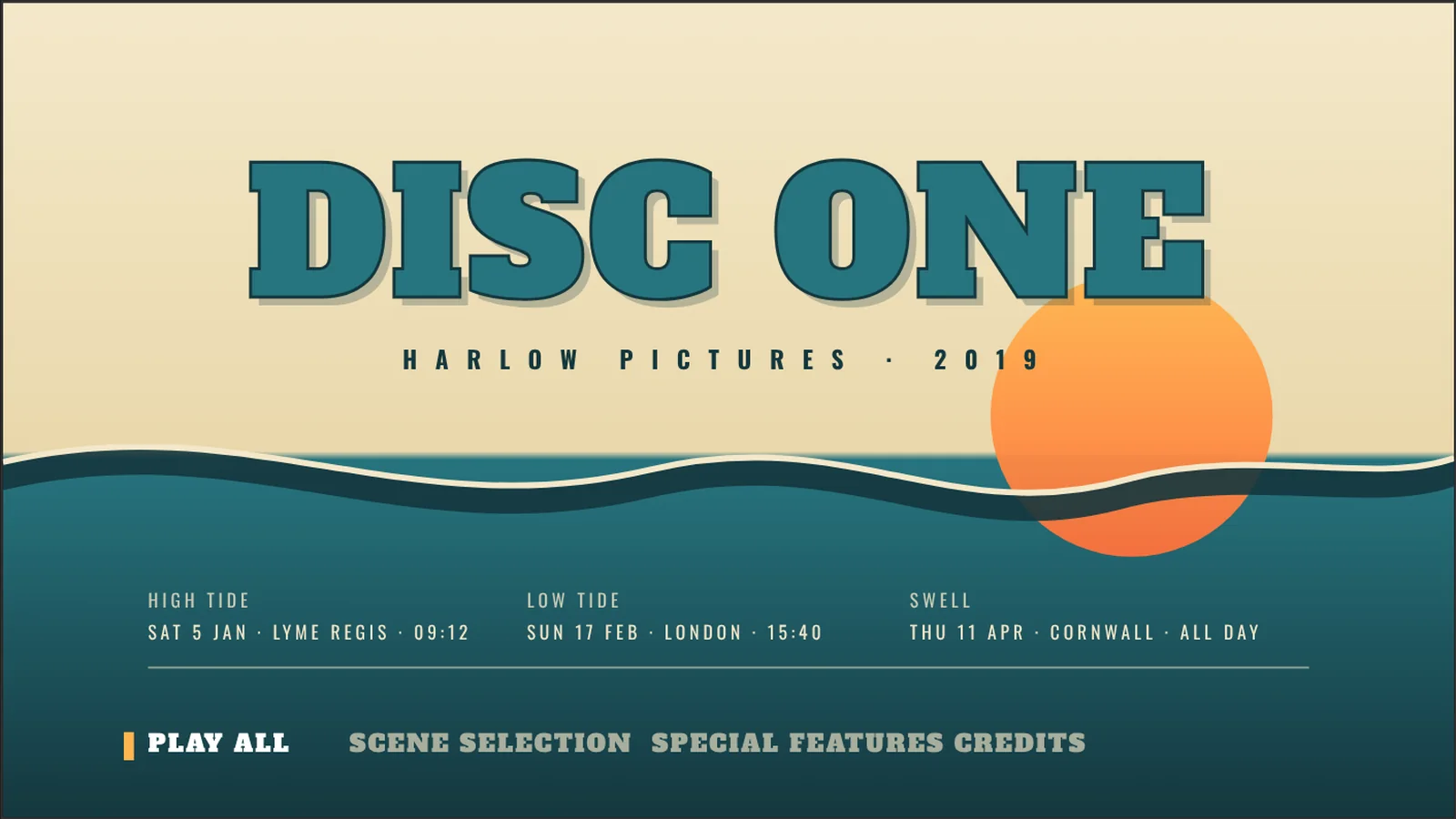 Coming soon
 Coming soon
By the same rules every time, on the device, from the library you already have.
Built from the disc itself, in this order, every time. Your family name is the one field you type on first run; the cast is whoever you add. Nothing is detected.
Disc One reads your Photo Library and writes nothing back to it. Nothing is uploaded, edited or sent to us. Your renames, cast lists and covers sync between your Apple TV and iPhone through your own iCloud account and nowhere else. No account with us, no analytics, no advertising.
Town names in chapter titles and credits come from Apple's own place lookup. The full detail is in our privacy policy.
The short answers. Anything else: support.
Disc One is an app for Apple TV and iPhone that turns the videos already in your Photo Library into a box set of DVDs. Every year becomes a disc, with a motion menu, chapters you can pick from, special features and end credits, and it plays on your television the way a DVD did in 2003.
Apple TV, and iPhone. On iPhone you can watch on the phone itself or send a disc to the television with AirPlay. Your renames, cast lists and covers follow you between the two through your own iCloud account.
No. Disc One reads your Photo Library and writes nothing back to it. Nothing is uploaded, edited or sent to us. There is no account with In Color, no analytics and no advertising.
One disc per calendar year. Quiet years with only a couple of clips are merged into one disc, such as 2011–2013, and very long years are split into Disc 1 and Disc 2. Inside a disc there is one chapter for each day you filmed, titled with the date and, where most of the clips agree, the town. Turn on Collector's Edition and your albums become the discs instead.
Each disc carries the rest of that year: a stills gallery made from your photos, outtakes made from clips under two seconds, Behind the Scenes made from your Live Photos, and Deleted Scenes made from screen recordings. Screenshots are left out. Sections with nothing in them don't appear.
No. Nothing is detected. The cast in the credits is typed by you, one name per line, and your family name is the one thing the app asks for on first run. If you leave the cast empty, the credits leave it out.
One price, paid once, with no subscription, and Family Sharing included. The price will be announced when it reaches the App Store.
Autumn 2026, on the App Store for Apple TV and iPhone. Leave your email on this page and we'll send one message when it ships.
One email when it reaches the App Store. Nothing else.
Disc One is published by In Color Productions Limited for Apple TV and iPhone. Not yet on the App Store.